How Instagram Accounts Get Hacked and How to Protect Yours
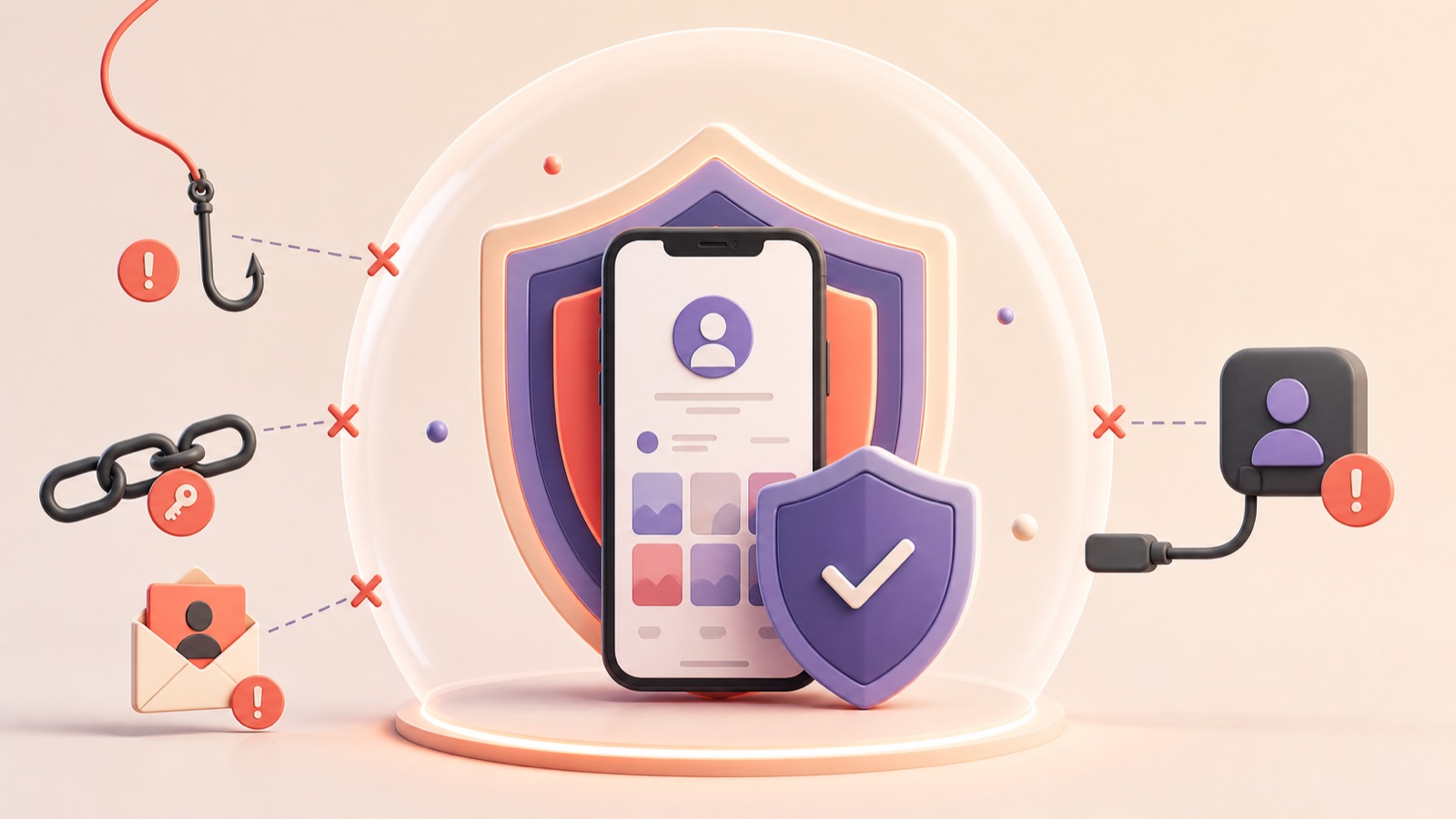
Most Instagram account takeovers do not involve someone breaking Instagram's encryption. Attackers more often trick a person into revealing credentials, reuse passwords exposed elsewhere, compromise the linked email account, or persuade the victim to approve a malicious login. Understanding those routes makes prevention much easier.
Phishing and fake support messages
A message may claim your account will be deleted, your profile is eligible for verification, or a copyright complaint needs an urgent response.
The link leads to a fake login page designed to capture the username, password, and sometimes a two-factor code.
Open Instagram or Meta support directly instead of signing in through an unexpected message.
Reused or exposed passwords
If the same password is used on several sites, a breach at one service can expose the Instagram login.
Attackers test leaked email-and-password combinations automatically. A unique password prevents one breach from unlocking multiple accounts.
Compromised email accounts
The email inbox is often the key to password resets. Protect it with a unique password, two-factor authentication, and updated recovery details.
Review email forwarding rules and signed-in devices if an Instagram reset occurred without your request.
Malicious apps and session theft
Follower trackers, growth tools, unofficial browser extensions, and modded apps may request excessive access or capture login sessions.
Use only trusted integrations, remove services you no longer need, and avoid tools that require your Instagram password outside the official login flow.
A practical protection checklist
Use a unique password stored in a password manager.
Enable two-factor authentication and keep backup codes private.
Review login activity and connected apps regularly.
Keep Instagram, the operating system, browser, and email app updated.
Teach team members never to share verification codes in chat.
What to do after a takeover
Secure the linked email account, then use Instagram's hacked-account recovery process.
Check for messages from Instagram about changed email details and use official reversal options when available.
After recovery, change passwords, end other sessions, remove unknown apps, and review profile and ad-account changes.
Frequently asked questions
Can someone hack an account just by knowing the username?
A username alone is not enough, but it can be used in phishing or password-reset attempts.
Is two-factor authentication enough?
It greatly improves security, but you must still avoid phishing and protect backup codes and the linked email account.
Can a recovery service get my account back?
Use official Instagram recovery. Anyone asking for your password, code, or payment for an internal contact is risky.
https://www.facebook.com/help/instagram
https://www.facebook.com/help/instagram/149494825257596
This independent guide is not affiliated with or endorsed by Instagram or Meta.