How to Change Your Email on Instagram
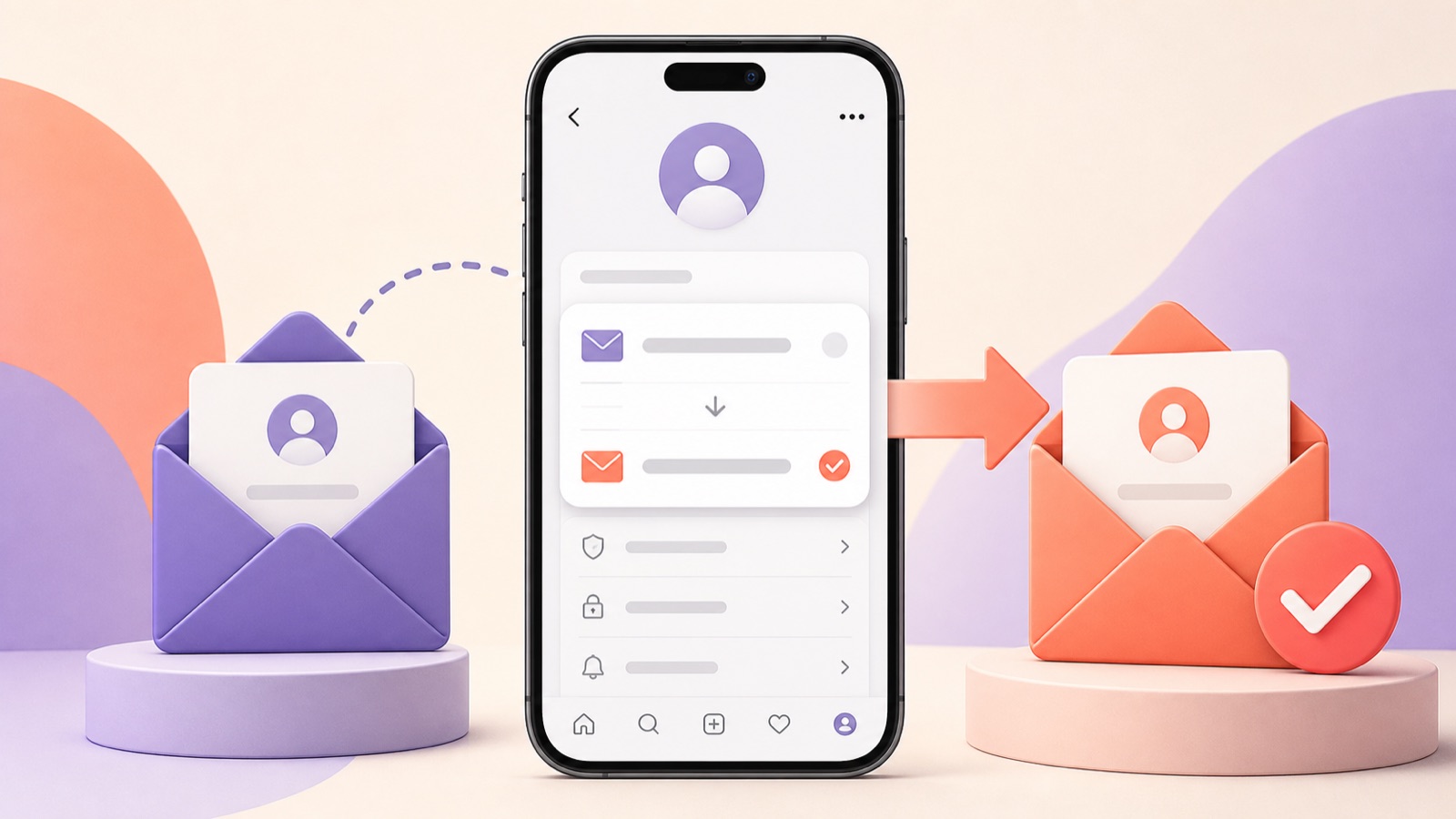
Your Instagram email address is used for security alerts and account recovery, so it should be current, private, and protected. Update it only to an inbox you control, complete the verification step, and review account security if the address changed unexpectedly.
Change the email address in Accounts Center
Open Instagram, go to your profile, and tap the menu.
Open Accounts Center, then Personal details and Contact info.
Add the new email address and choose the Instagram account it belongs to when prompted.
Open the verification message sent to the new inbox and complete the confirmation.
After verifying the new address, remove an old address only if it is no longer needed by another linked Meta account.
Update professional contact information
A professional profile may display a public contact email separately from the private login and recovery address.
Open Edit profile and review Contact options if you want to change what visitors can see.
Do not publish the private inbox you rely on for account recovery unless that is an intentional business decision.
If the confirmation email does not arrive
Confirm the address was typed correctly and check spam, promotions, and filtered folders.
Wait briefly before requesting another message; repeated requests can make it difficult to identify the newest link.
Add Meta or Instagram's legitimate sender to the safe list, but verify the domain before opening links.
If someone else changed your email
Look for an official security email explaining that the account email changed and use the provided reversal option when available.
Secure your email account, change the Instagram password, review active sessions, and enable two-factor authentication.
If you cannot sign in, start the hacked-account recovery flow from Instagram's official help route.
Security checklist after the change
Verify the new inbox has a unique password and two-factor authentication.
Review the phone number and other recovery methods in Accounts Center.
End unfamiliar Instagram and email sessions and remove unknown connected apps.
Frequently asked questions
Can I use the same email for multiple Instagram accounts?
Instagram and Accounts Center may allow linked contact information, but each account should have recovery details you can reliably control.
Will followers see my new email?
The private account email is not automatically public. Professional contact information is managed separately.
Why did Instagram notify my old email?
Security notifications may be sent to the previous address so an unauthorized change can be reversed.
https://www.facebook.com/help/instagram
https://www.facebook.com/help/instagram/1682636905358680
This independent guide is not affiliated with or endorsed by Instagram or Meta.