How to Switch to a Personal Instagram Account
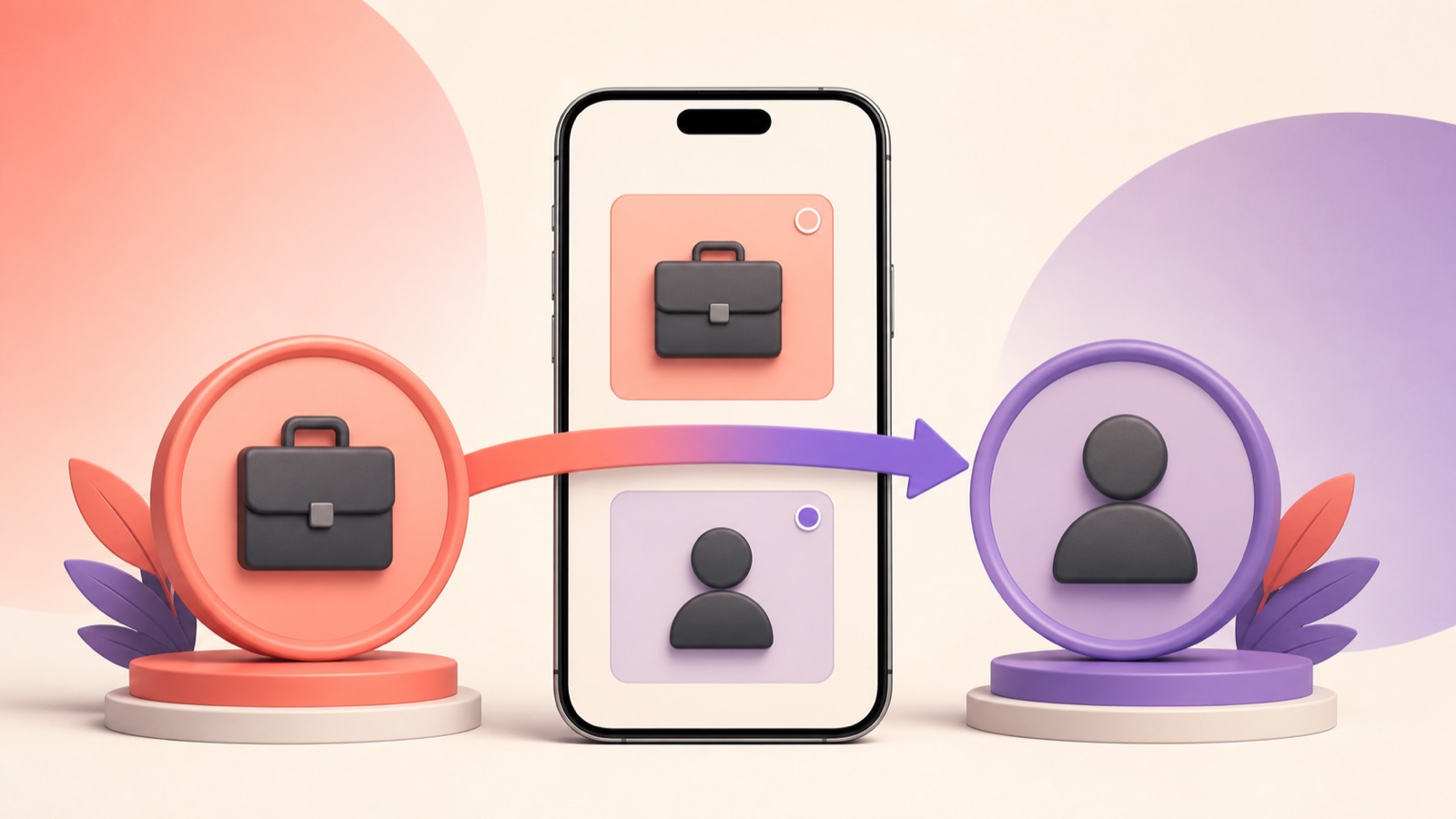
You can switch a creator or business profile back to a personal Instagram account from the app. The change is straightforward, but it removes professional tools such as detailed insights, public contact options, category labels, and some advertising or monetization features.
Before you switch
Export or record insights you may need for reporting, because professional analytics may no longer be available after the change.
Finish or document active promotions and review any business workflows connected to the account.
Decide whether you need a private profile. Switching to personal does not automatically make the account private.
Switch from business or creator to personal
Open Instagram and go to your profile.
Tap the menu and open Settings and activity.
Find the section for professional tools and controls or account type, depending on the app version.
Choose Switch account type, then Switch to personal account.
Review the notice and confirm.
What changes afterward
Professional insights and dashboards are removed from the profile experience.
Category labels and professional contact buttons may disappear.
Access to certain advertising, branded-content, scheduling, and monetization tools can change.
Your posts, followers, messages, username, and basic profile content remain.
Make the personal account private
After switching, open Account privacy and enable Private account if you want to approve new followers.
Existing followers remain unless you remove them. Previously public content may still exist in search caches or third-party embeds for a period of time.
Switch back to professional later
Instagram generally lets eligible accounts choose a creator or business type again.
You may need to reconnect professional details and rebuild reporting continuity. Historical insights are not guaranteed to reappear.
Frequently asked questions
Will switching delete my posts or followers?
No. The account's core content and audience remain, while professional tools change.
Does a personal account become private automatically?
No. Privacy is a separate setting.
Can I keep running ads?
Professional advertising features may be affected. Review active promotions before switching.
https://www.facebook.com/help/instagram
https://www.facebook.com/business/help
This independent guide is not affiliated with or endorsed by Instagram or Meta.