How to Turn On Dark Mode on Instagram
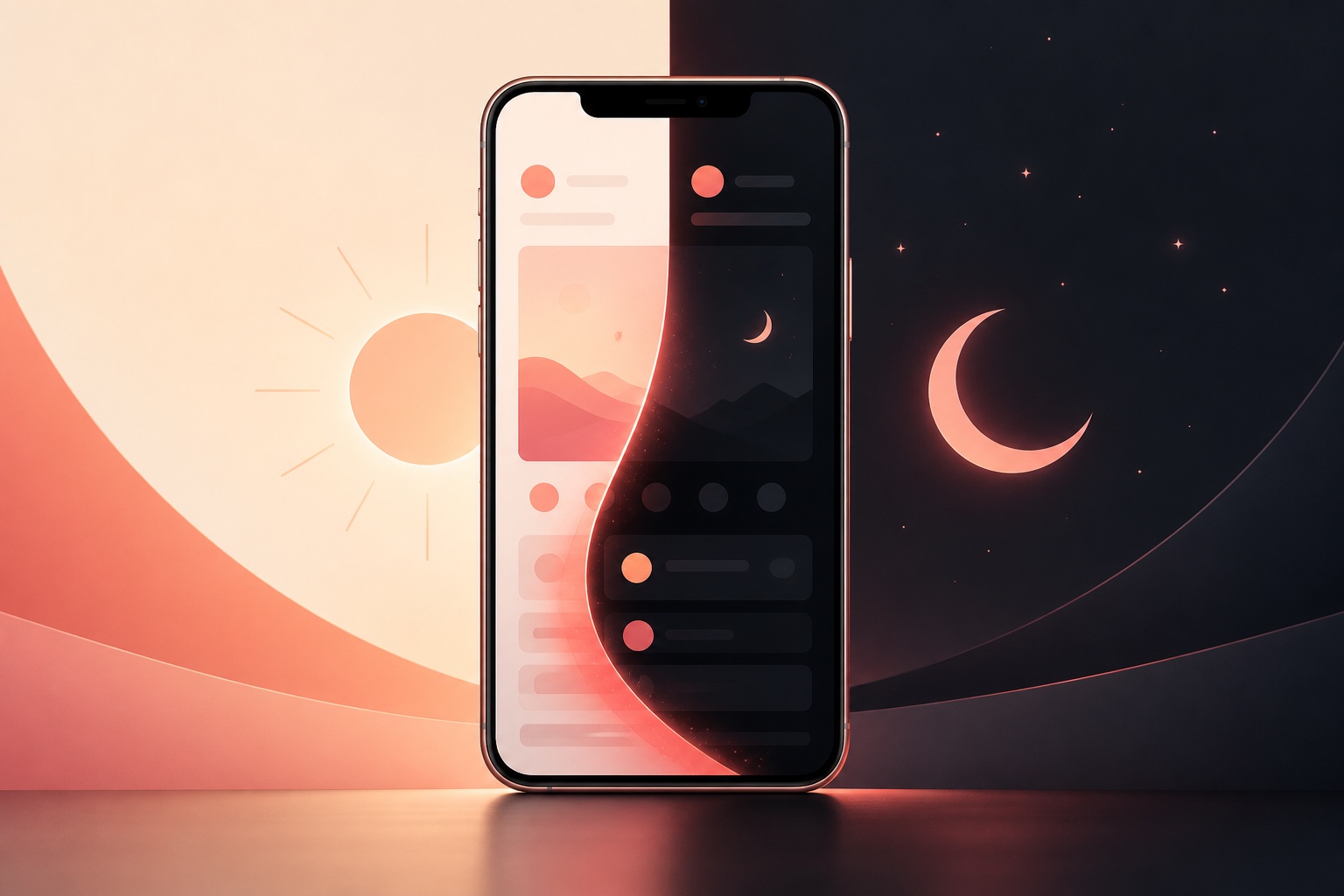
Instagram generally follows the appearance setting of your iPhone or Android device. Turning on system Dark Mode changes supported Instagram screens to a dark color scheme. The exact controls vary by operating-system version and phone manufacturer.
Turn on Instagram dark mode on iPhone
Open Settings, tap Display & Brightness, and select Dark under Appearance.
To switch quickly, open Control Center, press and hold the brightness control, and tap Dark Mode.
Enable Automatic and set a schedule if you want light appearance during the day and dark appearance at night.
Turn on Instagram dark mode on Android
Open Settings, choose Display, and enable Dark theme. Names differ across Pixel, Samsung, and other devices.
Many phones include a Dark theme tile in Quick Settings and a schedule based on time or sunset.
Open Instagram again after changing the system theme. Some Android versions also allow per-app theme overrides.
If Instagram stays in light mode
Update Instagram and the operating system, then force-close and reopen the app.
Check whether a battery saver, accessibility color setting, custom theme, or per-app override conflicts with the system appearance.
On Android, clear Instagram's cache. On iPhone, restart the device before considering an app reinstall.
Dark mode versus Night Shift
Dark Mode changes interface surfaces and text colors. Night Shift or blue-light filters change the display's color temperature.
You can use both, but they solve different needs. Dark Mode does not guarantee lower eye strain for everyone.
OLED displays may use less power on very dark pixels, but real battery impact depends on brightness and usage.
Accessibility and readability
Increase text size or contrast through system accessibility settings if the dark theme is difficult to read.
Avoid forcing color inversion because it can distort photos and videos; use the supported appearance setting first.
Choose the theme that provides the best comfort and legibility in your environment.
Frequently asked questions
Does Instagram have a separate dark-mode switch?
On many devices Instagram follows the system appearance; available in-app controls can vary by version.
Can dark mode turn on automatically?
Yes. Both iPhone and many Android devices support appearance schedules.
Why are photos still bright?
Dark Mode changes interface chrome, not the original colors inside photos and videos.
https://support.apple.com/en-ie/108350
https://support.google.com/android/answer/9730472
https://www.facebook.com/help/instagram
This independent guide is not affiliated with or endorsed by Instagram, Meta, Apple, or Google.