How to See Your Instagram Watch History
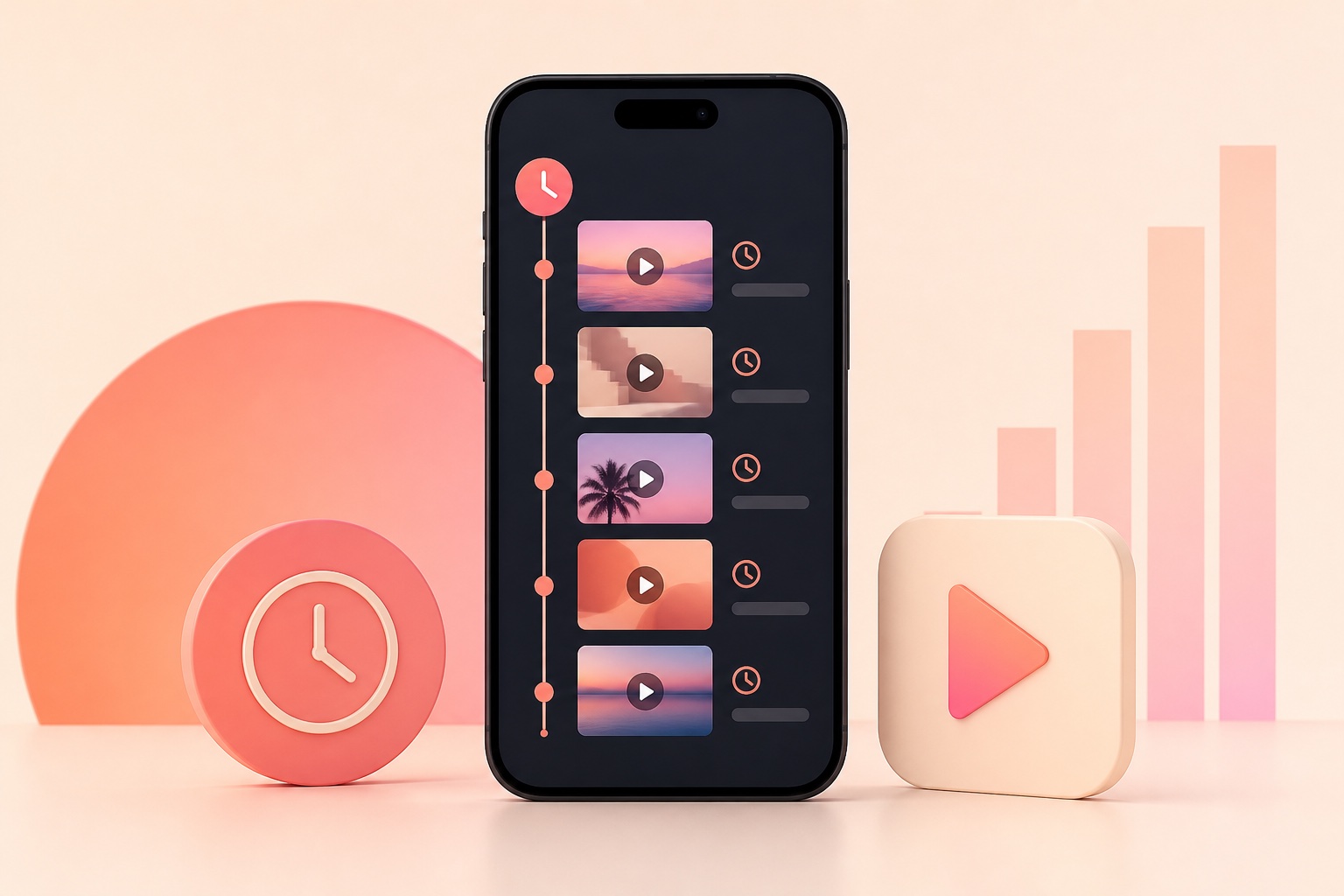
Instagram can provide a Watch history view for recently watched Reels on supported app versions. Because features roll out gradually and menu labels change, some accounts may not see it yet. This guide covers the direct route first, then the most reliable alternatives for finding a Reel you watched but did not save.
Find Watch history in the Instagram app
Open Instagram, tap your profile picture, and open the three-line menu.
Choose Your activity, then look for Watch history. On supported versions, the screen displays recently watched Reels and may offer date or author filters.
Tap a Reel to reopen it. Save important videos to a collection so you do not need to depend on a temporary activity list.
If Watch history does not appear
Update Instagram through the App Store or Google Play, close the app completely, and reopen it.
Feature availability can differ by account, region, device, and app version. Logging out, clearing data, or repeatedly reinstalling does not guarantee that a server-side feature will appear.
Avoid third-party apps that promise a complete viewing history; they cannot legitimately reconstruct private Instagram activity and may request unsafe access.
Use Likes, Saved, and recent searches
Go to Your activity and open Likes if you remember liking the Reel. Check Saved and each collection if you bookmarked it.
Review recent searches when you remember the creator, audio, hashtag, or topic. Also check direct messages if you shared the Reel with someone.
Browser history can help only when you opened the Reel on instagram.com; in-app views normally do not create useful browser entries.
Download your Instagram information
Accounts Center includes a Download your information tool that can export selected Instagram data.
Choose the Instagram profile, a relevant date range, and an easy-to-read format. Exports may contain activity records, but they are not guaranteed to reproduce every watched Reel as a complete chronological list.
Store exports securely because they can contain personal account activity.
Make future videos easier to find
Use Save for videos you expect to revisit and organize them into named collections.
Share a Reel to your own private note or a trusted chat when context matters, but respect the creator's privacy and copyright.
Use Likes as an appreciation signal rather than your only bookmarking system; deleted or private content may disappear from activity views.
Frequently asked questions
Does Instagram show every Reel I have watched?
Not necessarily. Availability and retention can vary, and deleted or unavailable content will not remain accessible.
Can another person see my watch history?
Instagram does not provide a public page showing another person's full watch history.
Why is Watch history missing from Your activity?
Your app may need an update, or the feature may not yet be available for that account, device, or region.
https://www.facebook.com/help/instagram
https://www.facebook.com/help/instagram/181231772500920
This independent guide is not affiliated with or endorsed by Instagram, Meta, Apple, or Google.