How to Create a New Instagram Account

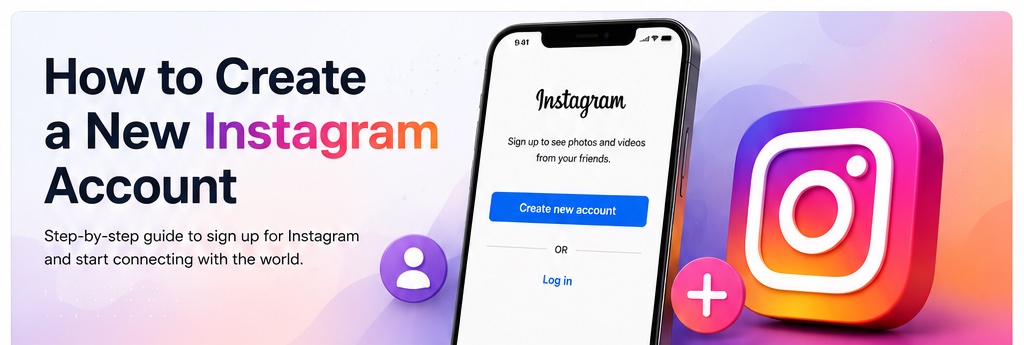
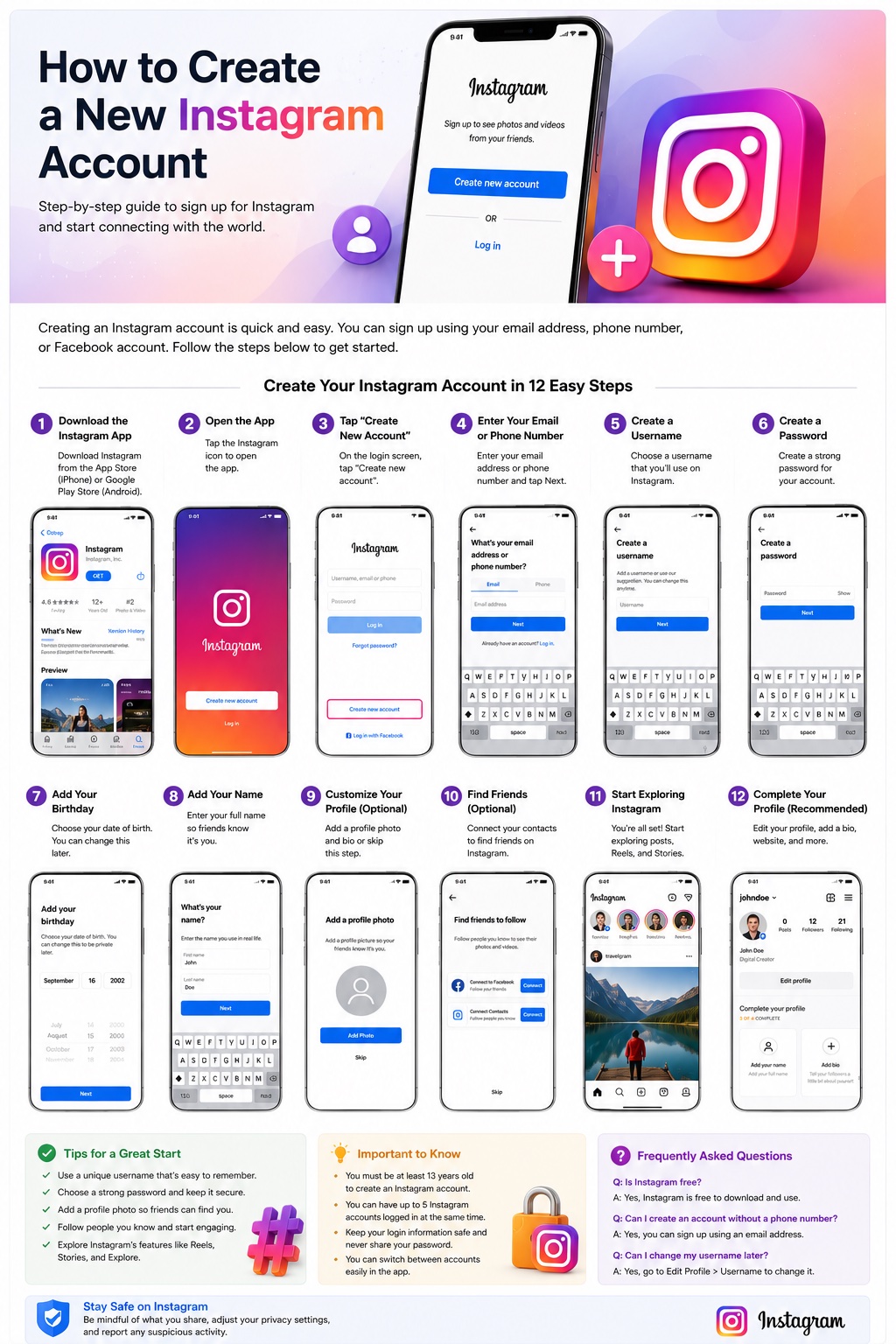
You can create a new Instagram account from the Instagram app or Instagram.com. Choose Create new account, add an email address or phone number, select a username and password, enter your birthday and name, then complete the profile setup. You do not need a Facebook account to sign up.
How to Create a New Instagram Account
Creating a new Instagram account usually takes only a few minutes. The process works on phones, tablets, and computers, although button names and screen order can vary slightly by app version. The walkthrough below focuses on the mobile app.
What You Need Before You Sign Up
Have access to a valid email address or mobile phone number before you start. You will also need a username, a password, your birthday, and a name for the profile. Instagram requires users to meet its minimum age requirement.
Step-by-Step: Create a New Instagram Account
Step 1: Download the Instagram App
Install Instagram from the App Store on iPhone or Google Play on Android. You can also create an account through Instagram.com if you prefer a browser.
Step 2: Open Instagram
Tap the Instagram icon to open the app. If another account is already signed in, go to the login screen or account switcher to begin a separate signup.
Step 3: Tap Create New Account
Choose Create new account on the login screen. Select the signup option rather than logging into an existing profile.
Step 4: Enter Your Email Address or Phone Number
Use an email address or phone number you can access. Instagram may send a confirmation code, so make sure the contact method is active.
Step 5: Choose a Username
Create a username for the new profile. If your first choice is already taken, Instagram will ask you to choose another available version.
Step 6: Create a Password
Use a strong, unique password that you do not reuse on another service. This helps protect the new account if another website is compromised.
Step 7: Enter Your Birthday
Add your correct date of birth. Age can affect privacy, safety settings, and the features available to the account.
Step 8: Add Your Name
Enter the name you want shown on the profile. Your display name is separate from your username and can be changed later.
Step 9: Add a Profile Photo
Choose a profile picture so people can recognize the account. You can normally skip this step and add an image later.
Step 10: Find People to Follow
Instagram may offer contact syncing or account suggestions. You can use these options or skip them and find accounts manually later.
Step 11: Start Exploring Instagram
After signup, explore Feed, Reels, Stories, Search, and other Instagram features. You can follow accounts and begin interacting with content.
Step 12: Complete Your Profile
Add a bio, profile photo, links, and any other useful information. A complete profile gives visitors more context about you or your brand.
How to Create a New Instagram Account on a Computer
Open Instagram.com and choose the sign-up option. Enter the requested contact information, name, username, and password, then complete verification and birthday steps. The same account can later be used in the mobile app.
How to Create a Second Instagram Account
If you already use Instagram, open your profile, use the account switcher, choose Add Instagram account, and select Create new account. Instagram can keep multiple accounts available in the app so you can move between them without logging out each time.
How to Choose a Good Instagram Username
Choose a username that is short, recognizable, and easy to type. For a personal profile, a version of your name can work well. For a brand, use a name closely connected to the business. If your preferred username is unavailable, add a short descriptive term rather than a long string of random numbers.
Should You Sign Up With an Email Address or Phone Number?
Either method can work. The important part is keeping access to the recovery method attached to the account. If your email address or phone number changes, update Instagram so password resets and security notices continue reaching you.
Personal, Creator, or Business Account
A new account can begin as a personal profile. You can later switch to a professional Creator or Business account if you need professional tools. Creator accounts are aimed at content creators and public-facing individuals, while Business accounts are intended for companies and organizations.
Public vs. Private Instagram Account
Private accounts limit post visibility to approved followers, while public accounts can be viewed more broadly. Review your privacy settings after signup. Business profiles cannot be private, so choose the account type that matches your needs.
How to Secure a New Instagram Account
- Use a unique password that you do not reuse elsewhere.
- Enable two-factor authentication.
- Keep your recovery email address and phone number current.
- Review login activity if you see an unfamiliar login.
- Never share passwords or verification codes with another person.
- Avoid entering your Instagram credentials on unofficial websites or apps.
Common Problems When Creating an Instagram Account
| Problem | What to Try |
|---|---|
| Username is unavailable | Try another short variation that is still easy to remember. |
| Confirmation code does not arrive | Check the email address or phone number and request a new code after a short wait. |
| Email is already connected to an account | Try logging into that account or use another email address you control. |
| App freezes during signup | Restart or update Instagram, or try Instagram.com. |
| Signup is blocked | Avoid repeated rapid attempts and follow the instructions Instagram displays. |
How Many Instagram Accounts Can You Have?
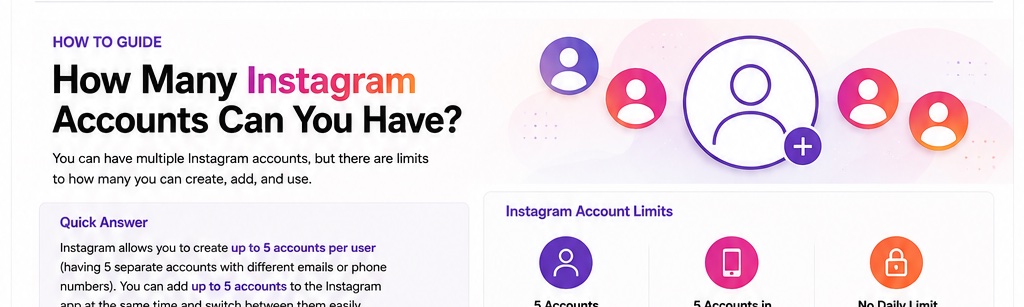
After creating a new Instagram account, you can create additional Instagram accounts. However, keep in mind that you can have a maximum of 5 accounts at any given time.
FAQ
Is it free to create an Instagram account?
Yes. Creating a standard Instagram account is free.
Do I need Facebook to create Instagram?
No. You can create an Instagram account without Facebook.
Can I create Instagram with only an email address?
Yes. An email address can be used instead of a phone number when that signup option is available.
Can I change my username later?
Yes. You can change it from your profile settings if the new username is available.
Can I create more than one Instagram account?
Yes. Instagram supports multiple accounts and provides account-switching tools.
Do I have to add a profile picture during signup?
No. Profile customization can be completed later.
Can I create an Instagram account from a browser?
Yes. Instagram supports signup through Instagram.com.
Final Takeaway
To create a new Instagram account, open the app or Instagram.com, choose Create new account, add a valid email address or phone number, select a username and password, enter the requested details, and finish your profile. Once the account is active, review privacy and security settings before you begin posting.