

#Instagram
How to See Who Someone Recently Followed on Instagram
Instagram removed its public Following Activity feed years ago. Here's what you can and can't actually see about another account's recent follows today.
Andrés LópezSep 11, 2026

Instagram researcher
I play video games very badly and write even worse. Luckily, with a sufficient dose of caffeine and the right motivation, I am able to sow doubt about the worthiness of my skills for at least another month. Somewhere along the way, I also started spending an unhealthy amount of time researching Instagram — not just the surface-level stuff, but the numbers, patterns, user behavior, algorithm signals, engagement shifts, and the weird little details that decide why one post disappears and another one takes off. I dig into scientific studies, platform data, marketing reports, and real-world statistics to understand how Instagram actually works, from follower behavior to reach, from likes and comments to Reels performance. So when I am not failing spectacularly at video games, I am probably analyzing Instagram trends, reading research, or turning boring statistics into something people can actually use.
Instagram removed its public Following Activity feed years ago. Here's what you can and can't actually see about another account's recent follows today.

Instagram doesn't have a single button for this, but comparing your Followers and Following lists shows you exactly who doesn't follow you back.

Instagram doesn't label an account as deactivated, but there are clear signs, like a missing profile or a 'user not found' message, that tell you when one is.

Instagram has no built-in mass-unfollow button. Here's how to unfollow everyone safely, manually, without tripping action blocks or risking your account.
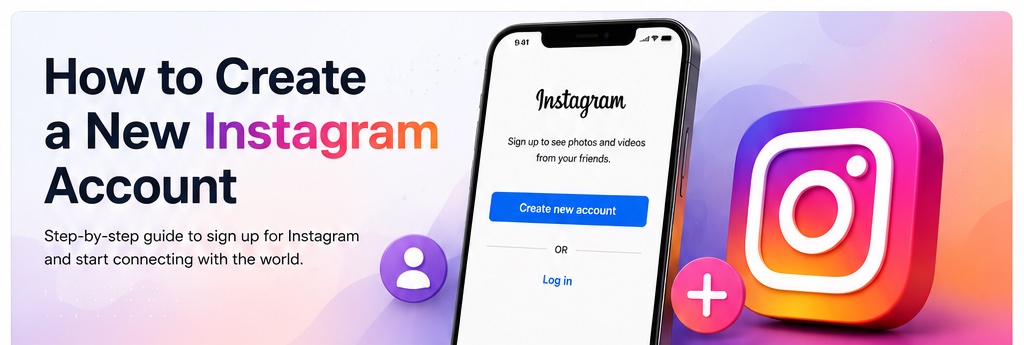
A step-by-step guide to signing up for a new Instagram account on your phone or computer, from choosing a username to completing your profile.
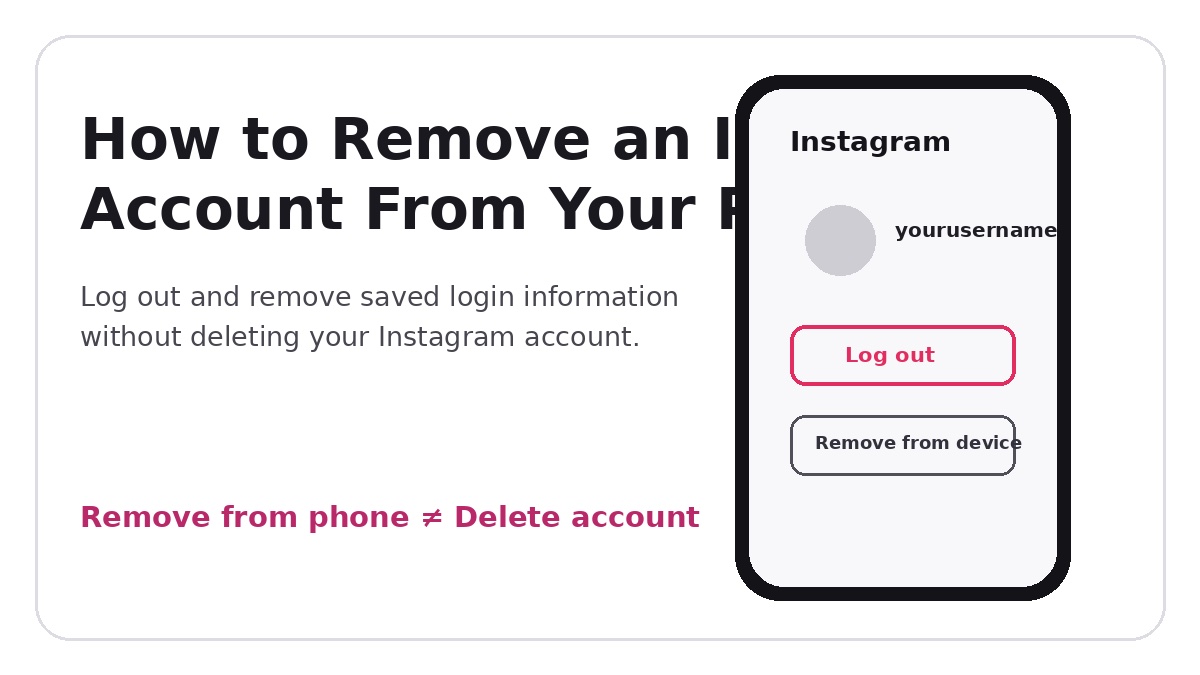
Learn how to log out and remove an Instagram account's saved login information from your phone without deactivating or deleting the account.
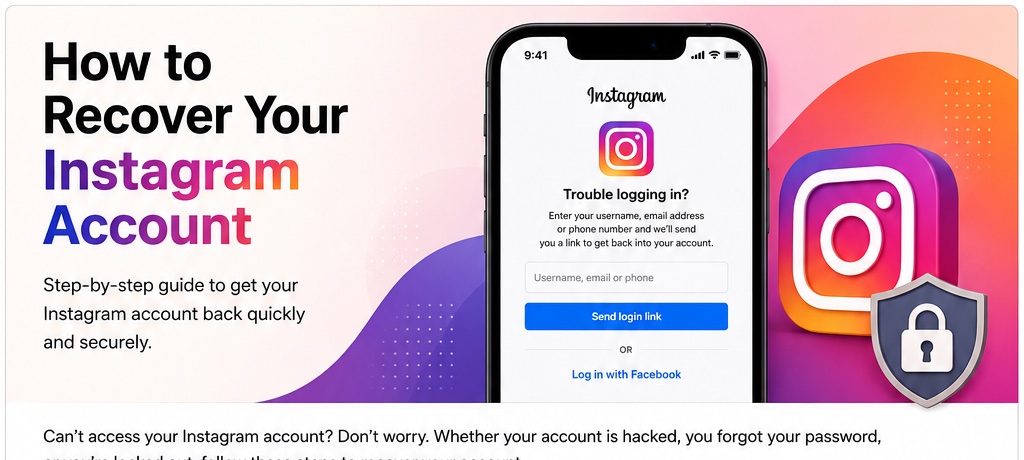
Learn how to recover your Instagram account after a forgotten password, a hack, or a lockout, using Instagram's official recovery flow.
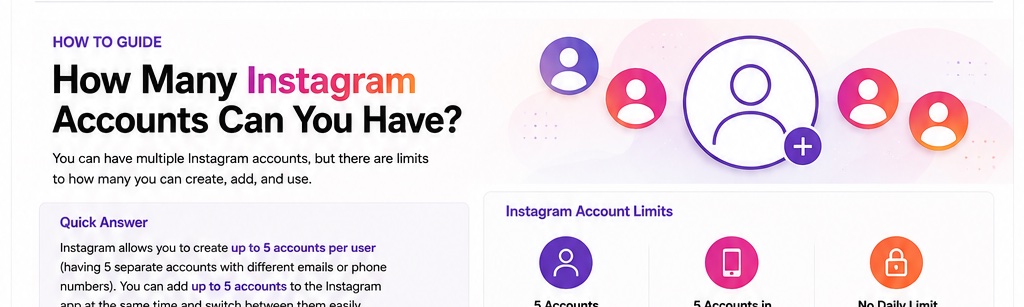
Instagram lets you add and switch between up to five accounts on one device. Here's how the limit works and how to add, switch, and manage multiple accounts.
How to permanently delete your Instagram account through Meta's Accounts Center on phone or computer, what to back up first, and what happens after you confirm.
Learn how to temporarily deactivate your Instagram account on the app, phone browser, or computer, what happens afterward, and how to reactivate it.