How to See Who Doesn't Follow You Back on Instagram


Instagram does not have a dedicated feature that labels accounts as "not following you back." You can still find them by comparing your Followers list against your Following list, or by checking an individual account's profile, which shows whether that person follows you.
How to Check Who Doesn't Follow You Back on Instagram
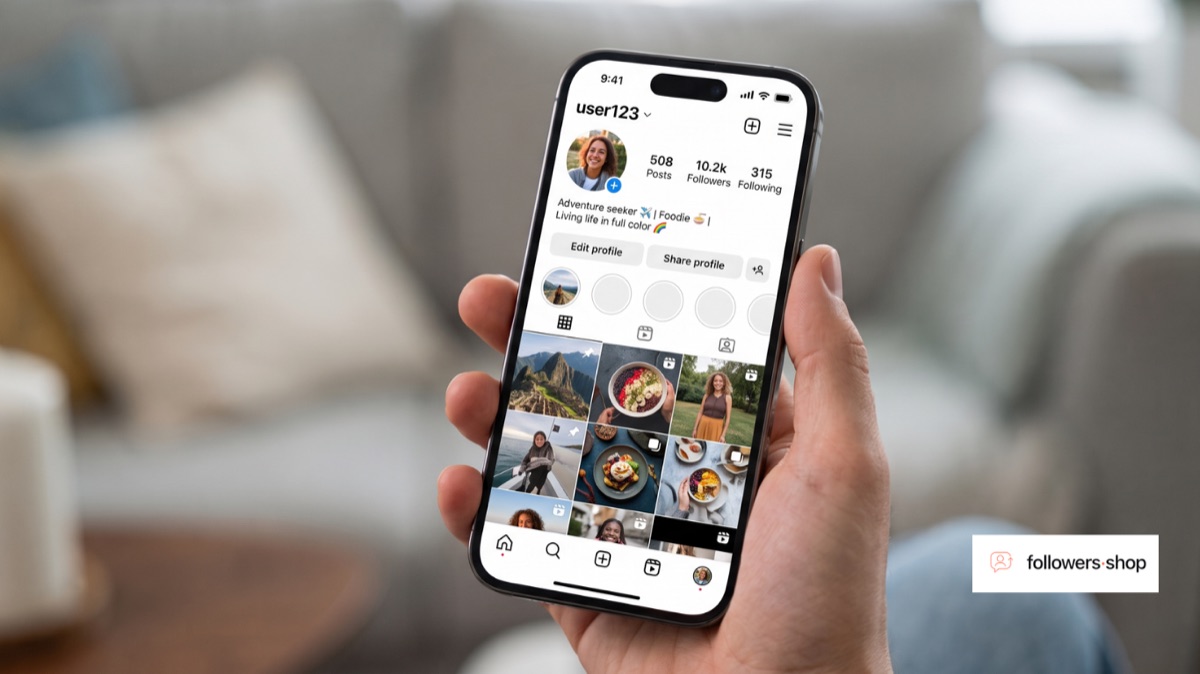
The most reliable native method is to open your profile, review your Following list, and check each account against your Followers list. Any account that appears in Following but not in Followers does not follow you back.
Method 1: Compare Followers and Following Manually
- Open your profile and tap Followers to view the full list.
- Go back and tap Following to view that list separately.
- Cross-check names between the two lists, or search a specific username in your Followers list to confirm whether they appear.
- Accounts present in Following but missing from Followers do not follow you back.
This method takes longer on large accounts, but it uses only Instagram's own lists and does not require sharing your login with anything else.
Method 2: Check an Individual Profile
Open the profile of the account in question. If you follow them and they do not follow you, their profile will typically show "Follows you" only when the relationship is mutual — its absence indicates they don't follow back. This is the fastest way to check one account at a time, though it is not practical for reviewing your entire Following list at once.
Does Instagram Sort Your Following List by Who Follows You Back?
No. Instagram's Following list can be sorted by options such as Date followed or Least interacted with, but there is no built-in sort or filter specifically for "doesn't follow back." Any list that separates accounts this way is doing the comparison outside of Instagram's own features.
Are Third-Party "Who Doesn't Follow Me Back" Apps Safe?
Be cautious with third-party apps and websites that offer to generate this list for you automatically. Many request your Instagram username and password or ask you to log in through their own page, which puts your credentials at risk. Some also violate Instagram's Terms of Use by scraping account data without permission, which can put the connected account at risk of restrictions. If you use a checker tool, avoid any option that asks for your password rather than using Instagram's own login flow.
Tips for Reviewing Your Following List Regularly
- Set a reminder to review your Following list every few months rather than trying to track it constantly.
- Focus on accounts you no longer recognize or that have been inactive for a long time.
- Remember that not following back isn't inherently negative — some accounts you follow for content, not mutual connection, such as brands, public figures, or informational pages.
- If you decide to unfollow accounts that don't follow back, do it gradually rather than all at once to avoid triggering a temporary action block.
FAQ
Can I see a list of people who don't follow me back on Instagram?
Not as a single built-in list. You need to compare your Followers and Following lists yourself, or check individual profiles one at a time.
Is there an official Instagram feature for this?
No. Instagram does not provide a native "doesn't follow back" filter or report.
Are apps that show who doesn't follow you back safe to use?
Many require your Instagram password or account access, which carries real risk. Prefer manually comparing your lists inside the Instagram app whenever possible.
Does unfollowing someone who doesn't follow me back notify them?
No. Instagram does not send a notification when you unfollow an account.
Why would someone not follow me back?
There are many normal reasons — they may follow accounts selectively, may not have noticed your account, or may simply use Instagram differently than you do. Not following back is not necessarily a signal about your content.
Final Takeaway
Instagram doesn't hand you a ready-made list of who doesn't follow you back, but comparing your Followers and Following lists gets you the same answer without needing a third-party tool. If you'd rather skip the manual comparison, be careful with any app that asks for your Instagram password — that convenience isn't worth the risk to your account.