How to Remove an Instagram Account From Your Phone

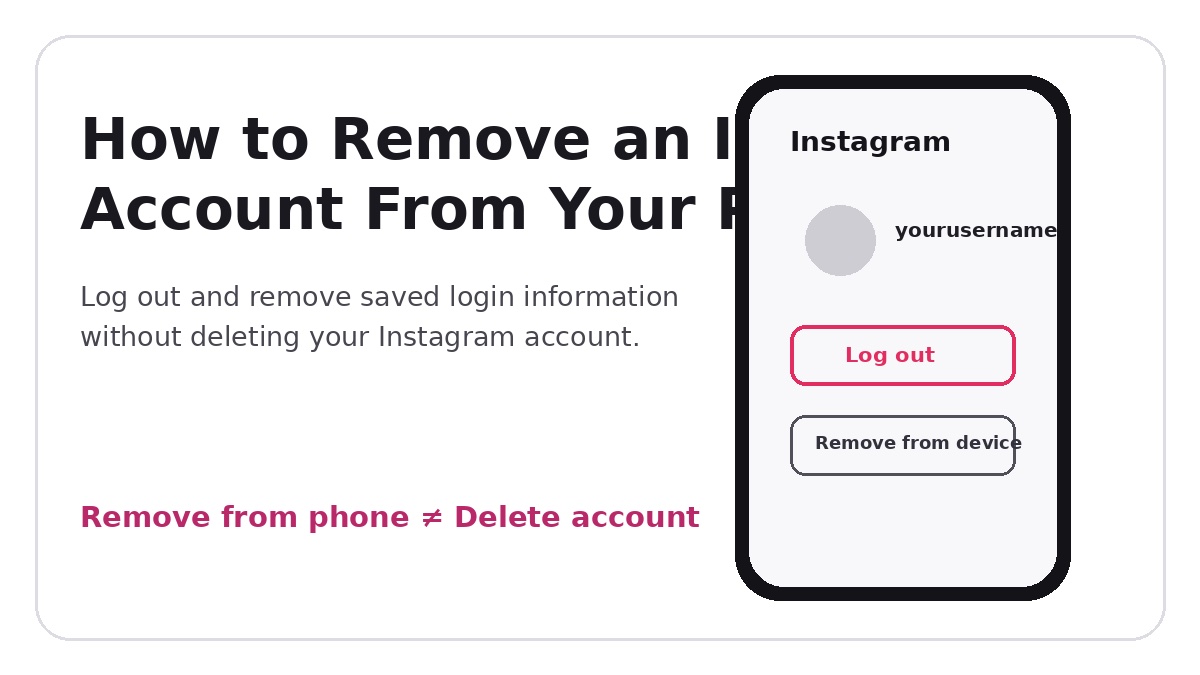
Removing your Instagram account from your phone logs you out of that account on the device and may delete your saved login information. This action does not delete your Instagram account or deactivate it.
How to Remove an Instagram Account From Your Phone
The quickest method is to log out of the Instagram account you no longer want connected to your phone, then remove its saved login information from the login screen if Instagram continues to display the account. The exact labels can vary slightly by app version and device.
Before You Remove the Account
Make sure you know the username, email address or phone number and password for the account before removing saved login information. If you use multiple Instagram accounts, confirm that you are currently viewing the account you actually want to remove.
Step 1: Open the Instagram Account You Want to Remove
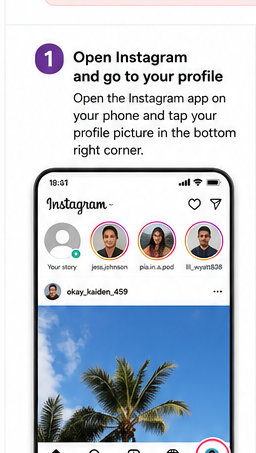
Open Instagram on your phone and switch to the account you want to remove. Tap your profile picture in the bottom-right corner to open the profile.
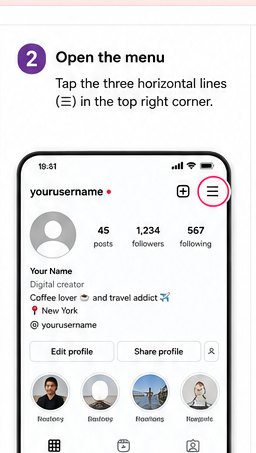
Step 2: Open the Instagram Menu
Tap the three-line menu in the top-right corner of your profile. This opens Instagram's settings and activity menu.
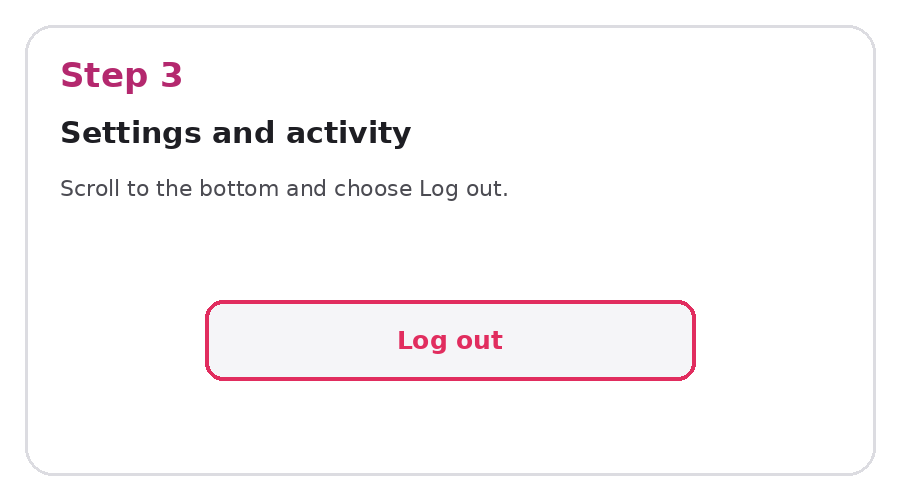
Step 3: Scroll Down and Tap Log Out
Scroll toward the bottom of the menu and choose Log out. If Instagram shows more than one signed-in account, make sure you select the correct account rather than logging out of every account on the phone.
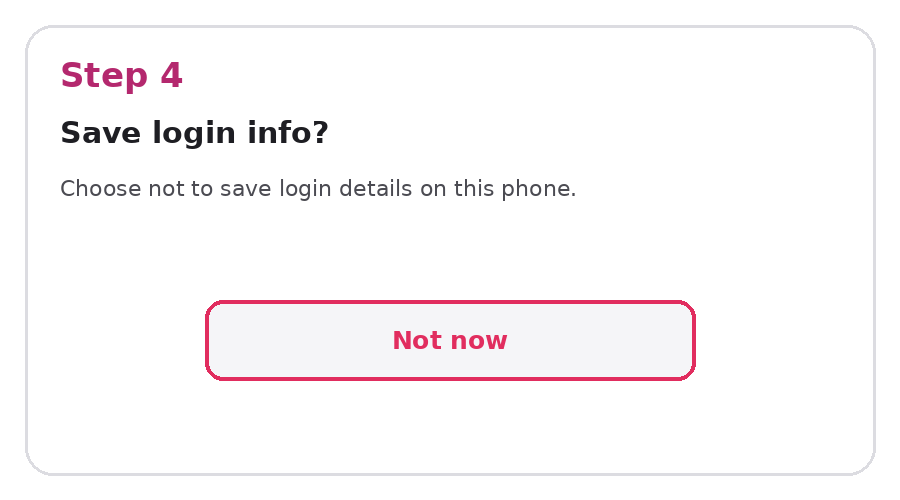
Step 4: Decide Whether to Save Login Information
Instagram may ask whether you want to save the account's login information. If your goal is to remove the account from this phone, do not keep its login information saved on the device.
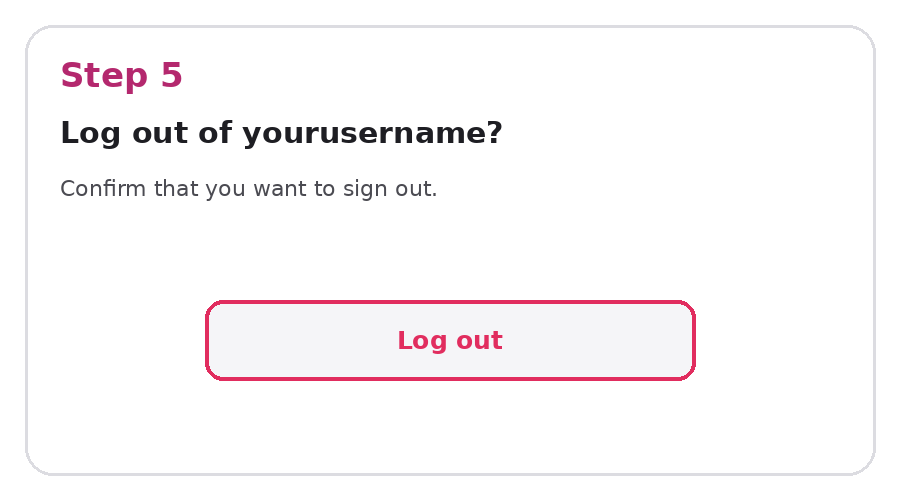
Step 5: Confirm Log Out
Confirm the logout request. Instagram will return you to the login screen or another account that remains signed in.
Step 6: Remove the Account From the Login Screen
If the logged-out account is still displayed on Instagram's login screen, open the options beside that account and choose the option to remove it from the device. Confirm the removal when prompted.
How to Remove an Instagram Account Without Deleting It
You do not need to delete an Instagram account simply to remove it from a phone. Logging out and clearing the saved login information disconnects the account from that device while leaving the profile, posts, followers, messages and other account data intact.
How to Remove One Instagram Account When You Have Multiple Accounts
If several Instagram accounts are connected to the app, first switch to the specific account you want to remove. Log out of only that account and then remove its saved login information if it remains visible. Avoid selecting an option that logs out all accounts unless that is what you intend to do.
Does Removing an Instagram Account From Your Phone Delete It?
No. Removing an account from your phone is a device-level action. The Instagram account continues to exist and you can sign in again from the same phone, another phone or a browser as long as you still have access to the login credentials.
Remove vs. Deactivate vs. Delete Instagram
| Action | Profile stays on Instagram? | Account stays on phone? | Reversible? |
|---|---|---|---|
| Remove from phone | Yes | No, if saved login is removed | Yes |
| Deactivate | Temporarily hidden | May still have saved login | Yes |
| Delete | No, after deletion is completed | No | Deletion is intended to be permanent |
What If the Instagram Account Keeps Appearing?
If the account still appears after logout, it usually means the phone or Instagram app retained login information. Return to the login screen and remove the saved account there. On some devices, password managers or account-saving features can also preserve credentials separately from Instagram.
Can You Add the Instagram Account Back Later?
Yes. Open Instagram, choose the option to add or log into an account, and enter the account credentials. Removing an account from a phone does not prevent it from being added again later.
FAQ
How do I remove an Instagram account from my phone?
Log out of the account, decline to keep its login information saved, and remove the account from the Instagram login screen if it still appears.
How do I remove an account from Instagram without deleting it?
Use logout and remove the saved login information. Do not choose account deletion in Accounts Center.
Can I remove only one Instagram account from my phone?
Yes. Switch to that account and log out of it individually instead of choosing an option that logs out every account.
Will my followers or posts disappear?
No. Removing the account from the device does not erase the Instagram profile or its content.
Why is my Instagram account still showing after I logged out?
Instagram may still have saved login information for the account. Remove the saved account from the login screen as an additional step.
Final Takeaway
To remove an Instagram account from your phone, log out of the correct account and clear its saved login information from the device. This is different from deactivating or deleting Instagram and is the appropriate option when you simply do not want that account accessible from a particular phone.